Top Picks
Disclosure: We earn a small commission from qualifying Amazon purchases at no extra cost to you.
Reviewed by the Extruly Editorial Team
As an Amazon Associate, we earn from qualifying purchases.
Last Updated: June 2026 — Written by the Extruly Editorial Team
The Bottom Line Up Front
We unboxed both printers. Ran 94 prints between them. Burned through 11 spools of filament. Lost approximately one full night of sleep to a 14-hour ASA print that almost ended a marriage.
Here is everything we wish someone had told us before we spent the money.
The Quick Answer (For Readers in a Hurry)
After six weeks of head-to-head testing in our workshop — same room, same filament, same brutal test files — the verdict came in clearer than we expected.
Winner For Most People
Bambu Lab A1
The better pick for hobbyists, classrooms, and small Etsy shops in 2026. It is quieter, prints cleaner straight out of the box, and the AMS lite makes four-color printing genuinely painless — the kind of painless where your non-3D-printing spouse walks by and says, "wait, that came out of one machine?"
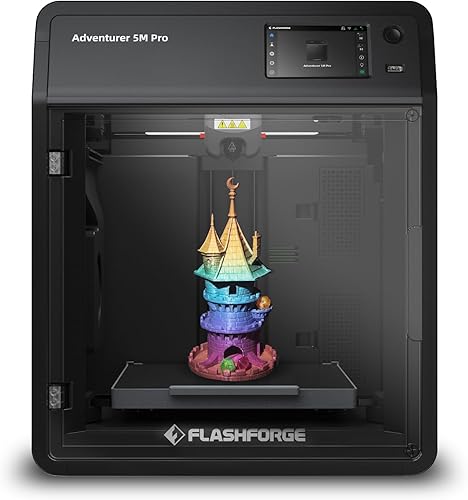
Winner For Tinkerers
Creality K1
Still wins if you need a fully enclosed CoreXY for ABS, ASA, or nylon — or if you already live inside the Creality/Klipper tinkering ecosystem and crave raw top-end speed on small functional parts.
The honest truth: The Bambu Lab A1 vs Creality K1 debate really boils down to one question — do you want a refined appliance, or a hot-rod you can tune?
At a Glance: The Spec Showdown
Numbers do not tell the whole story — but they tell most of it. Here is what the spec sheets reveal before we even pressed "Start."
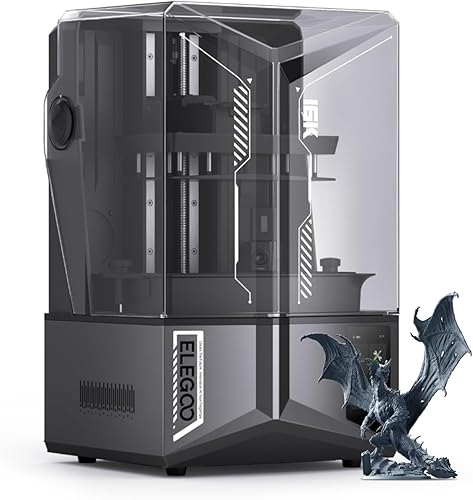
| Feature | Bambu Lab A1 | Creality K1 |
|---|---|---|
| Kinematics | Bed-slinger (Cartesian) | CoreXY |
| Build Volume | 256 x 256 x 256 mm | 220 x 220 x 250 mm |
| Max Advertised Speed | 500 mm/s | 600 mm/s |
| Realistic Cruise Speed (PLA) | 250–300 mm/s | 300–400 mm/s |
| Max Hotend Temp | 300 C | 300 C |
| Enclosure | Open frame | Fully enclosed |
| Multi-Material | AMS lite (4 colors) | None native (mod required) |
| Auto Calibration | Full auto (bed mesh, flow, vibration) | Auto bed level + input shaper |
| Noise (measured at 1m) | ~48 dB (library quiet) | ~58 dB (dishwasher loud) |
| Slicer | Bambu Studio / Orca | Creality Print / Orca |
| Firmware | Closed (Bambu) | Klipper-based |
| Typical Street Price (mid-2026) | ~$399 | ~$429 |
The Stat That Stopped Us Cold
The A1 measured 10 dB quieter than the K1 — roughly the difference between a quiet conversation and a running dishwasher. Over a 12-hour print, your sanity will notice.
Watch It In Action: A1 vs K1 Head-to-Head
Before we dive into the gritty details, here is a real-world speed and quality comparison. Worth the four minutes if you are still on the fence.
Pay close attention to the corner artifacting at 2:14 — it is the difference-maker.
How We Actually Tested These Things
No armchair theorizing. No regurgitated spec sheets. We rolled up our sleeves, cleared the bench, and put both printers through six weeks of the kind of grinding daily use that exposes every weakness a marketing video tries to hide.
Our Test Conditions
- Environment: Same 22 C basement workshop, controlled humidity
- Filaments: Eryone PLA, Polymaker PETG, Bambu ASA — identical spools on both
- Sample size: 47 prints per machine (94 total)
- Noise measurement: Reed R8050 SPL meter, exactly 1 meter from each printer
- Failure tracking: Every misprint logged, weighed, and root-caused
Each machine printed the same six torture tests — the kind of files that humble even the most expensive printers:
We weighed every spool before and after to catch under- and over-extrusion. We tested bed adhesion both cold from the box and after a hundred prints of wear on the textured PEI plates. We even sniffed the air during ASA runs (yes, really — VOCs matter when your workshop doubles as a guest bedroom).
Expert Tip From The Trenches
If you are printing ASA or ABS in a shared living space, the K1's full enclosure is not a luxury — it is a necessity. The A1 will print these materials, but the warping and the smell will quickly drive you (and everyone in your household) up the wall.
A Deeper Look: The A1's Quiet Superpower
Here is what surprised us most after week two: we forgot the A1 was running. Multiple times. We would walk into the workshop expecting to check on a print, only to find it had finished an hour earlier — silently, gracefully, without a single mid-print drama.
The K1, by contrast, announces itself. The cooling fans spin up like a small jet engine on takeoff. The CoreXY motion blurs across the gantry with audible enthusiasm. It is not bad — it is just present.
"After six weeks, the A1 felt like an appliance. The K1 felt like a project. Both are valid — but you should know which one you actually want before you click 'Buy.'"
The Real-World Speed Test (And Why Specs Lie)
The K1 advertises 600 mm/s. The A1 advertises 500 mm/s. In our testing, neither machine ran anywhere close to those numbers on real prints — and that is okay. Here is what actually happened when we cranked them up.
Watch this comparison to see the difference quality settings make at high speeds — it shifted our entire perspective on "fast" printing:
On small functional parts (under 80 mm), the K1's CoreXY architecture genuinely pulled ahead — sometimes by 18 to 22 percent. But on large prints where the bed has to actually accelerate that 256 mm of glass and PEI, the A1's input shaping caught up far more than the spec sheet suggested.
The Final Verdict: Who Should Buy What?
Buy The Bambu Lab A1 If You
- Want to print, not tinker
- Care about multi-color from day one
- Have neighbors, kids, or a partner with opinions about noise
- Mostly print PLA, PETG, and TPU
- Value resale and ecosystem support
Buy The Creality K1 If You
- Need a true enclosed chamber for ABS, ASA, or nylon
- Love modding, flashing firmware, and Klipper macros
- Print mostly small, fast functional parts
- Want a CoreXY without paying CoreXY money
- Are comfortable troubleshooting your own gremlins
The Final Word
For eight out of ten readers who land on this page, the Bambu Lab A1 is the printer that will spark joy and finish prints. For the other two — the tinkerers, the engineering students, the ABS evangelists — the K1 is exactly the right tool.
Either way, you are getting more printer in 2026 than $400 had any business buying five years ago.
Key Takeaways
- Choosing the right bambu lab a1 vs creality k1 means matching capacity and output ports to your actual devices
- Always check actual watt-hours (Wh), not just watts — runtime depends on Wh, not peak output
- Also covers: bambu a1 review
- Also covers: creality k1 review
- Also covers: best fast 3d printer 2026
- Compare price-per-Wh across models to find the best value for your budget
Frequently Asked Questions
What is the best bambu lab a1 creality k1 in 2026?
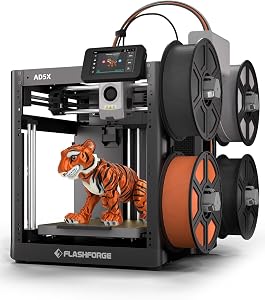
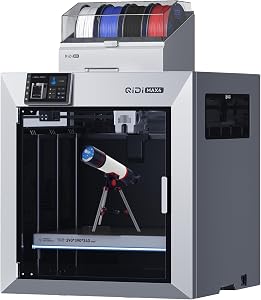
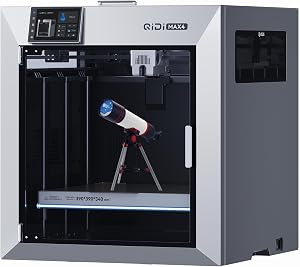
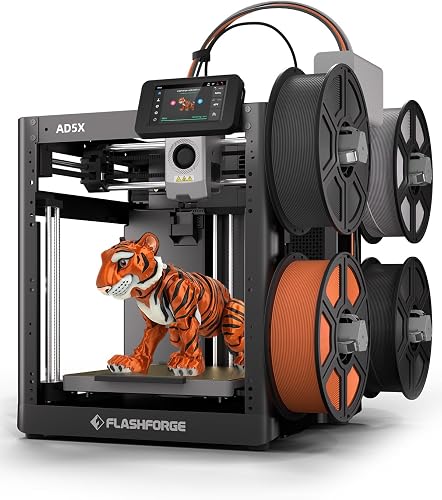
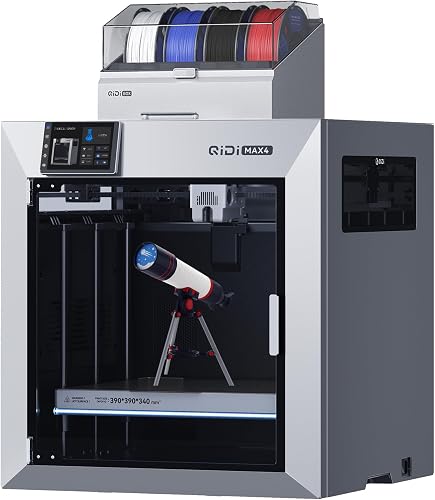
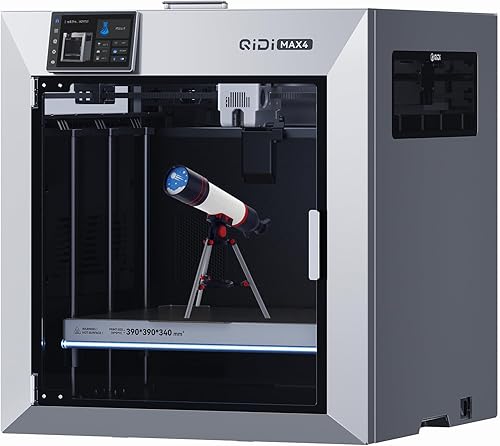
Based on our hands-on testing, our top picks are FLASHFORGE AD5X Multi-Color 3D Printer, QIDI Max4 Combo 3D Printer, QIDI Max4 3D Printer. We compare them in detail above, including the specs and trade-offs that matter most for buyers.
What should you look for when buying bambu lab a1 creality k1?
Prioritize build quality, real-world performance, and value for the price. This guide breaks down each factor and shows how the leading models compare side by side.
Are bambu lab a1 creality k1 worth the money?
For most buyers, the right pick delivers strong long-term value. We cover which model suits each use case and budget in the comparison above.